

Product experience
UI / UX & Product Design
Research-led digital product experiences that make websites, applications, portals and dashboards easier to understand and use.
Research-led journeysClickable prototypesReusable design systems
Before choosing a provider
Reduce friction by aligning business requirements, user needs, content, interface behavior and reusable design systems.
Good interface design is not decoration. It reduces confusion, makes important actions obvious and helps users complete tasks with less effort. The strongest UI/UX work connects customer needs, business rules and technical constraints before development begins.
UAE market context
Digital products lose trust when users cannot understand the next action or recover from mistakes.
Dalmut combines user research, information architecture, interaction design and a maintainable design system. The goal is not a collection of attractive screens; it is a coherent product experience that developers can build and users can complete.
Problems this service should solve
When users hesitate, make errors or need support to complete basic tasks.
Friction often comes from unclear hierarchy, inconsistent components, missing states, weak content or business rules that were never translated into the interface.
Users cannot find the next action
Navigation, labels and page hierarchy reflect internal departments rather than the customer’s task.
Development begins without validation
Expensive features are built before teams test whether the workflow is understandable.
The product feels inconsistent
Components, states and interaction rules change between pages or modules.
Design and engineering are disconnected
Visual concepts ignore data, permissions, responsiveness or real implementation constraints.
Subservices and deliverables
Connect user research, product logic and reusable interface design.
Journeys, wireframes, prototypes, UI, dashboards and design systems are developed around real tasks and operational constraints.
UX research and stakeholder interviews
Understand users, tasks, constraints, risk and business priorities before selecting interface patterns.
Journey mapping and service blueprints
Show how customer actions, staff work and system responses connect across channels.
Information architecture
Organize navigation, labels, content and hierarchy around user decisions.
Wireframes and interaction flows
Resolve structure, sequence and functionality before high-fidelity visual production.
Website and mobile UI design
Create responsive interfaces with clear hierarchy, states and conversion behavior.
Dashboard and enterprise UX
Design dense operational information around role, frequency, priority and action.
Prototyping and usability validation
Test critical flows with stakeholders or representative users before build.
Design systems and developer handoff
Document components, variants, spacing, typography, behavior and assets for implementation.
Scope architecture
What must be resolved before high-fidelity screens are approved.
The final statement of work confirms deliverables, dependencies, owners, approval points and what remains outside the current phase.
Research and evidence
Stakeholder interviews, user tasks, analytics, support evidence, competitor review and problem prioritization.
Experience architecture
User journeys, navigation, flows, content hierarchy, edge cases and responsive behavior.
Interface and prototype
High-fidelity screens, interaction states, accessibility, component system and testable prototype.
Handoff and validation
Specifications, assets, developer collaboration, design QA, usability review and system maintenance guidance.
Ways to engage
Choose the design depth that matches product risk and development readiness.
A focused first phase can be commercially responsible when the next release, ownership and success criteria are clear.
Identify high-impact usability and conversion problems in an existing product.
Request this scopeResearch, architecture, wireframes and prototype for a priority journey or release.
Request this scopeOngoing UX/UI and design-system ownership alongside development.
Request this scopeReal operating scenario
A customer portal or operational dashboard
Different users need different information, permissions and actions. Dalmut interviews stakeholders, maps journeys, defines the information hierarchy, creates low-fidelity flows, prototypes key tasks and builds a component system that development can implement. Testing focuses on completion, errors, clarity and responsive behavior rather than visual preference alone.
- 01Research and task definition
- 02Journey and information architecture
- 03Wireframes and content hierarchy
- 04Prototype and usability review
- 05Design system and developer handoff
Budget and timeline drivers
What changes the commercial scope.
Dalmut prices against evidence, complexity and responsibility. A credible estimate is produced after the factors below are understood.
Customer, staff, vendor and administrator journeys create different decisions and edge cases.
A new concept needs definition; an existing product needs evidence, audit and careful migration.
Investor demos, usability tests and production-ready systems require different detail.
A reusable product system costs more initially but reduces inconsistency and repeated design work.
Business impact and measurement
Measure task completion, errors, confidence and product adoption.
A practical baseline uses support issues, abandonment, repeated clicks, time on task, stakeholder feedback and known usability failures.
AreaCommon starting pointTarget operating state
Users interpret the interface
Labels and hierarchy guide the task
Assumptions reach development
Critical flows are tested earlier
One-off screens
Reusable components and states
Repeated design decisions
Design system accelerates future features
Whether users can complete the intended journey without unnecessary support.
Steps, hesitation and recovery required for priority actions.
Use of approved components and behavior across screens and releases.
Reduction in developer ambiguity and avoidable rework.
Why Dalmut for this work
Product thinking and implementation reality guide every design decision.
Dalmut produces interfaces that development teams can build and users can understand, including states, content, permissions and responsive behavior.
Business and user goals aligned
Every screen is connected to a user task and a business outcome.
Content is part of UX
Labels, guidance, error messages and decision copy are designed with the interface.
Real states are designed
Loading, empty, error, permission and mobile states are included rather than left to development.
Handoff supports implementation
Components, spacing, typography, responsive behavior and interaction notes are documented.
Clearer tasks, fewer errors and a product system that scales.
- Simpler user journeys
- Clearer interface hierarchy
- Faster product decisions
- Reduced development rework
- Consistent components
- Improved usability across devices
Where research-led UX and UI create the strongest return.
SaaS and technology productsMarketplacesCustomer portalsInternal business systemsMobile applicationsComplex service websites
Delivery strategy
Research, map, prototype, validate, systemize and support implementation.
The output progresses from evidence and flows to tested interaction decisions and reusable production specifications.
Understand users, tasks, business rules and current friction.
Map journeys and prioritize information.
Create wireframes and interaction prototypes.
Design the visual interface and component system.
Validate with stakeholders and prepare developer-ready specifications.
Related client work
View all projects See the capability in three genuine operating contexts.
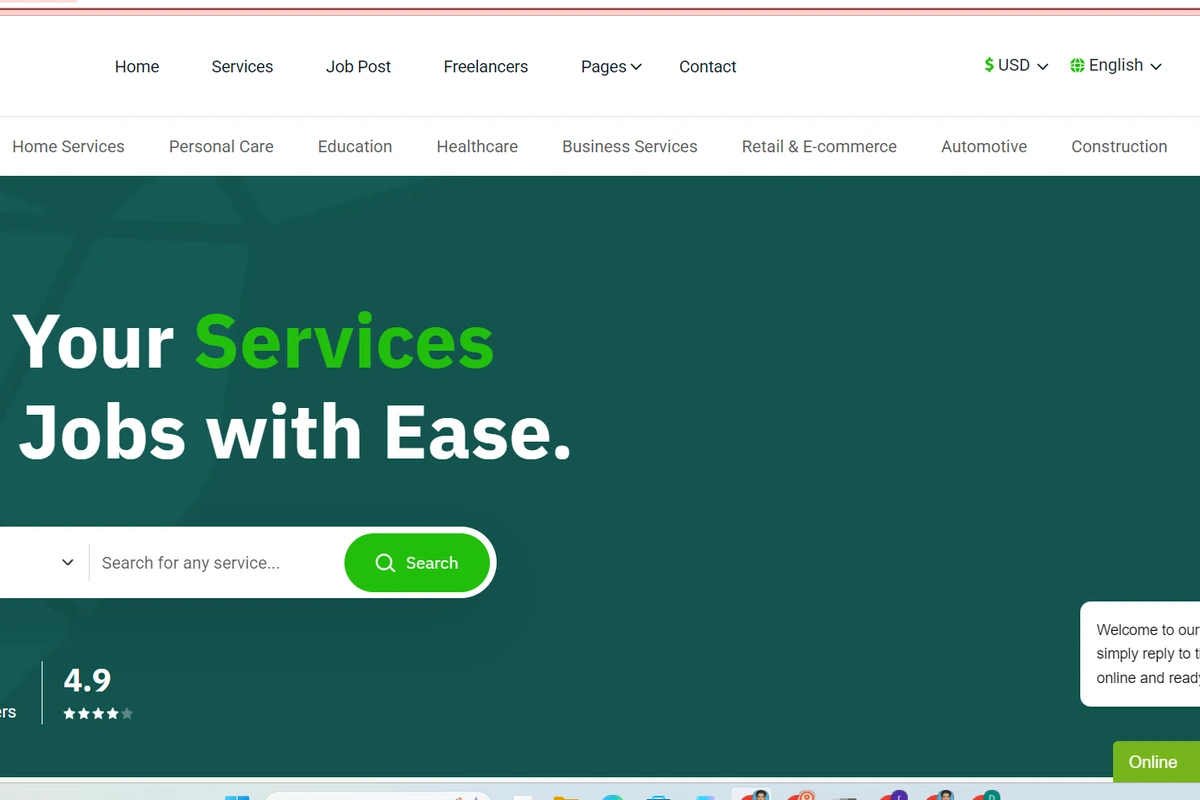
Rizing Nation
A multi-country marketplace enabling businesses, freelancers and agencies to publish services, post jobs and connect through structured discovery.

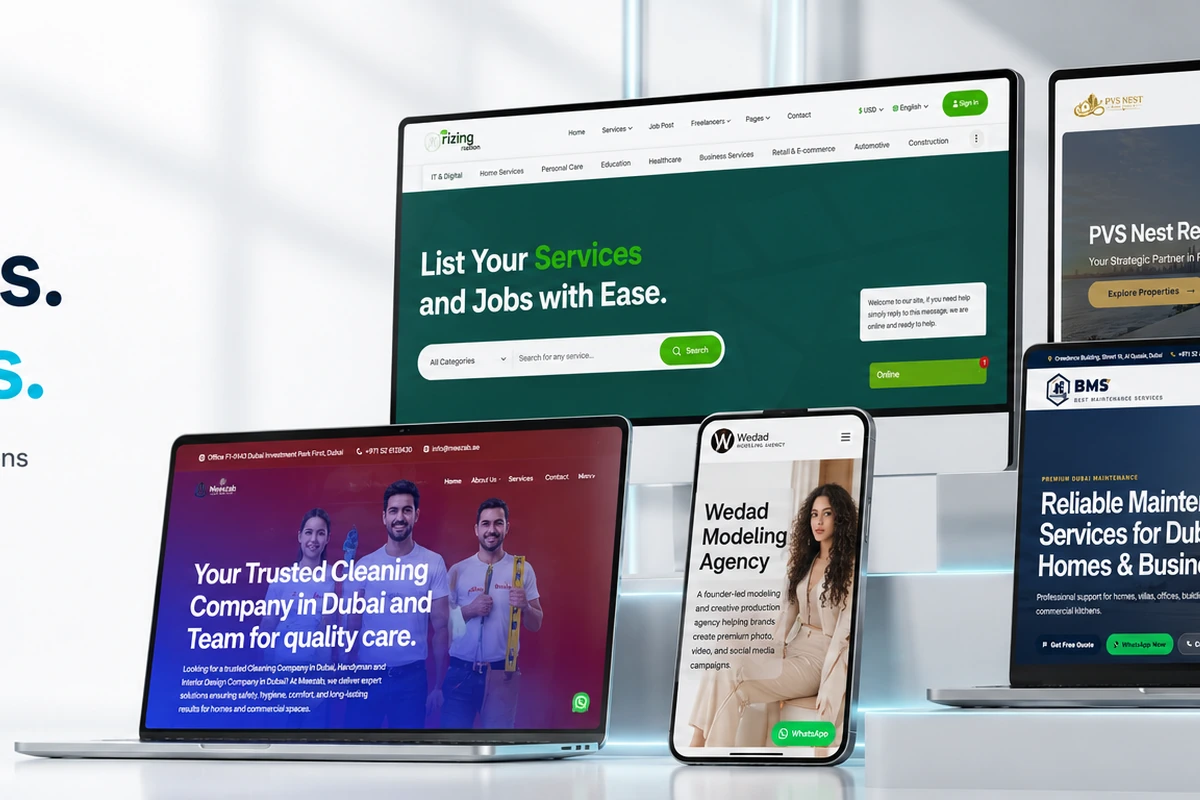
PVS Nest
A premium property discovery and investment website connecting listings, projects, developers, locations and direct consultant enquiries.

VouchersX
A structured voucher platform for store discovery, offer filtering, coupon verification, expiration information and code interactions.
Useful planning guidance
All insights Prepare the business decision before requesting scope.
UAE Website Conversion
How service clarity, trust, mobile experience and contact options influence high-intent enquiries.
Read the complete guide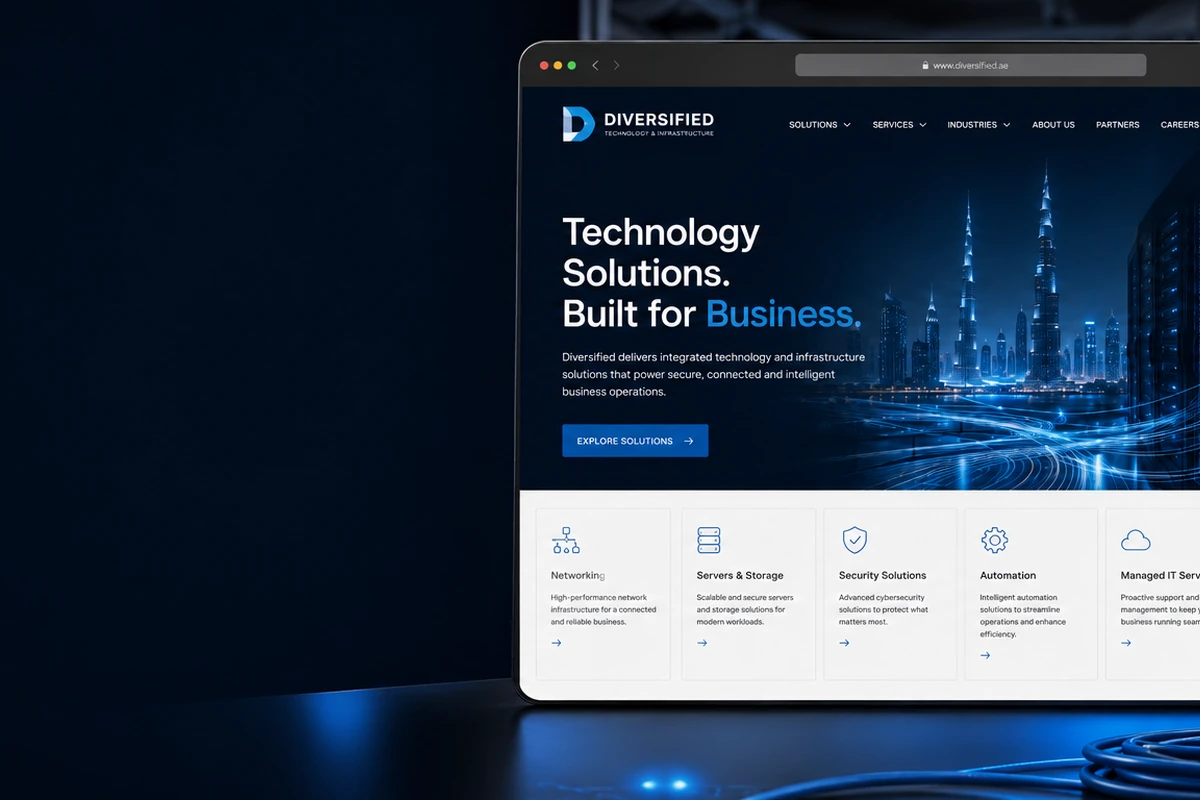
Scalable CMS Structure
How structured content avoids duplicated pages and makes future website expansion easier.
Read the complete guide
Brand System Before Website
How positioning, identity, messaging and visual rules reduce rework and improve the final digital experience.
Read the complete guideFrequently asked questions
What product owners ask before approving UX and UI design work.
Include technical, commercial, ownership or implementation questions in your proposal request so the answer can be grounded in your actual situation.
What is the difference between UI and UX design?+
UX defines the user journey, information and interaction logic; UI defines the visual and component system used to communicate that logic. Effective product design requires both.
Do you conduct user research?+
Research scope can include stakeholder interviews, user interviews, competitor review, analytics, support data and usability testing.
Will we receive a clickable prototype?+
Critical journeys can be delivered as interactive prototypes for review and testing before development.
Can you redesign an existing product?+
Yes. The process begins with an experience audit, usage evidence and business priorities so the redesign addresses specific problems.
Do you create design systems?+
Yes. A design system can include typography, color, spacing, components, states, accessibility guidance and implementation rules.
Can your team also develop the product?+
Dalmut can combine product design with web or software development, which reduces the gap between design intention and final implementation.
Make the next decision with clarity
Bring the product problem, not only a list of screens.
Share the users, tasks, current friction, technical constraints and release goals. Dalmut will recommend the right research and design sequence.